Tuesday, September 22, 2009

BlackBerry Storm for Dummies

The long-awaited BlackBerry Storm is here! Take advantage of all the cool things your new touch-screen BlackBerry can do with BlackBerry Storm For Dummies.

Your BlackBerry Storm can help you organize your calendar, surf the Internet, and stay in constant contact. it even works like a modem for your laptop. BlackBerry Storm For Dummies shows you how to unlock all of the exciting capabilities of your BlackBerry Storm. You’ll discover how to:

  • Customize your BlackBerry Storm, learn to navigate the touch screen, manage power consumption, and protect your device
  • Set up your contacts, keep notes, synchronize lists with your desktop, and manage your calendar
  • Keep in touch with e-mail, PIN-to-PIN and instant messaging, and phone calls
  • Browse the Internet and keep track of key sites
  • Play music and videos, take pictures or mini-movies, and tune in the news
  • Activate Storm’s built-in GPS and use Google Maps or BlackBerry Map
  • Synchronize your BlackBerry with your desktop so your data is consistent wherever you go
  • Prepare your laptop to use your BlackBerry Storm as a modem
  • Install and manage third-party applications
  • Keep your personal information safe

You’ll find tips for tapping and thumbing the touch screen, secrets for taking great photos and videos, and even fun games to play on your Storm. Whether you’re upgrading from an earlier model or you just got your first BlackBerry, BlackBerry Storm For Dummies helps you utilize everything this handy device has to offer.

Check Catalog

Wednesday, September 16, 2009

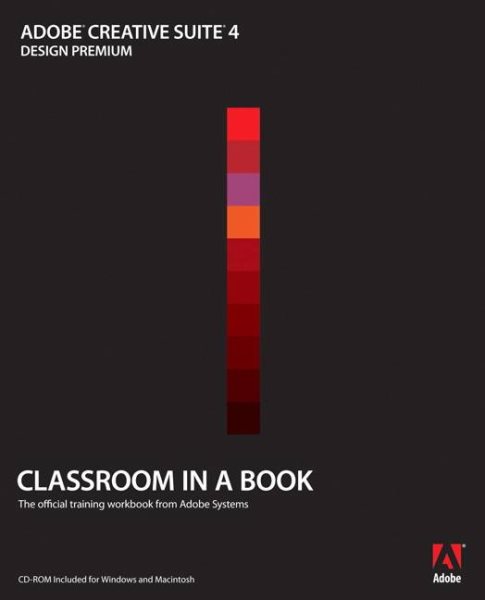
Adobe Creative Suite Cs4 Classroom in a Book

This thorough, self-paced guide to Adobe Creative Suite 4 is ideal for users who want to learn the key features of Adobe's stellar collection of professional design tools. Readers are first given a brief program overview of the Design Suite that highlights common features and includes a section on cross-media workflows. Then readers will get up to speed with each software application using step-by-step, project-based lessons, with the lessons in each chapter building upon the reader's growing knowledge of the programs. Projects include designing a logo and creating basic assets, creating a brochure, prototyping a basic Website, creating interactive Flash and PDF documents, communicating through mobile devices, and submitting work for collaborative reviews. Review questions at the end of each chapter wrap up each lesson to help reinforce the skills learned in each chapter.
Check Catalog

Tuesday, September 15, 2009

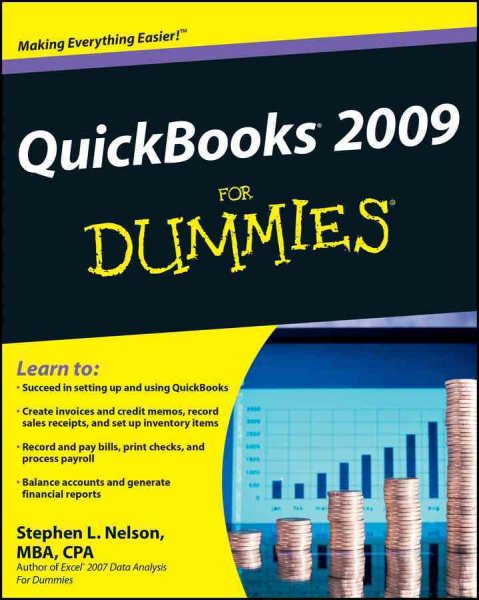
Quickbooks 2009 for Dummies

Explains how to use the small business finance program to prepare and print invoices, produce income statements and cash flow reports, manage payroll, write checks, pay bills, and monitor inventory.
Check Catalog

Sunday, September 13, 2009

Creating Web Pages For Dummies

Covers Web page publishing concepts including how to use HTML, using a text editor, creating a home page, adding links, placing graphics, adding multimedia, and Netiquette.
Check Catalog

Wednesday, September 2, 2009

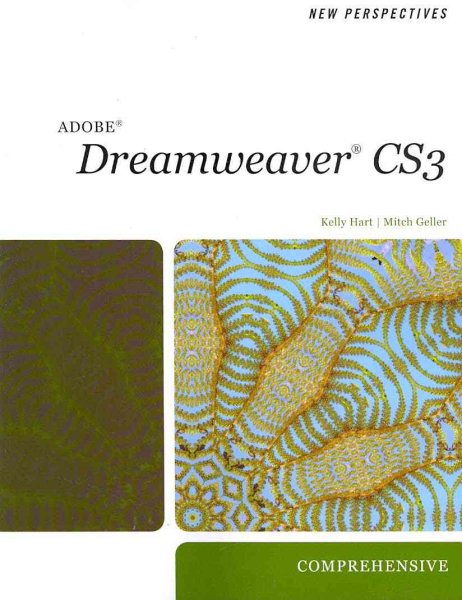
New Perspectives on Adobe Dreamweaver CS3

Following the critical-thinking, problem-solving approach of the New Perspectives Series, learners will gain a comprehensive understanding of Adobe Dreamweaver CS3 skills. The case-based tutorials challenge learners to apply what they are learning to real-life tasks, preparing them to easily transfer skills to new situations.

(Check Catalog)

Tuesday, August 25, 2009

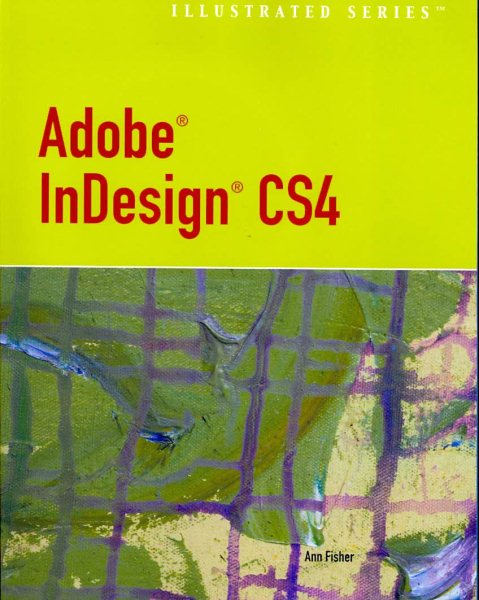
Adobe InDesign CS4

Learning the basics of Adobe InDesign CS4 is so much easier with this book's reader-friendly "Illustrated Series" two-page spread format! Author Ann Fisher presents each skill on a two-page spread, providing instructions on the left page and large, full-color screenshots on the right page. With its focused, user-friendly instruction, this book includes everything from the nuts-and-bolts of InDesign to the newest CS4 features.


(Check Catalog)

Tuesday, August 11, 2009

Adobe InDesign CS4

Learning the basics of Adobe InDesign CS4 is so much easier with this book's reader-friendly "Illustrated Series" two-page spread format! Author Ann Fisher presents each skill on a two-page spread, providing instructions on the left page and large, full-color screenshots on the right page. With its focused, user-friendly instruction, this book includes everything from the nuts-and-bolts of InDesign to the newest CS4 features.

(Check Catalog)