Tuesday, March 26, 2013

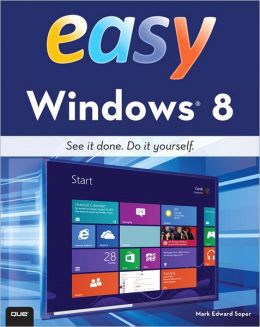
Easy Windows 8 ( Easy... )

by Mark Edward Soper    (Find this book)
See it done. do it yourself. It's that Easy! "Easy Windows 8 "teaches you the fundamentals to help you get the most from Windows 8. Fully illustrated steps with simple instructions guide you through each task, building the skills you need to perform the most common tasks with Windows. No need to feel intimidated; we'll hold your hand every step of the way. In Full Color Learn how to...- Use the new Windows Start screen, tiles, and touch interface- Connect with everyone you care about, through Windows 8's free apps- Speed web browsing with new Internet Explorer 10 tools and tips- Enjoy and organize all your music, videos, and photos- Get free apps at the new Windows Store- Share what you want to share--"and nothing else"- Network your home safely, reliably, and painlessly- Play free Windows 8 games and connect to your Xbox 360- Fix problems and keep your computer running fast. Category: Windows Operating System Covers: Windows 8 User Level: Beginner. The Least You Need to Know Windows 8's new tile-based interface and improved desktop provide a great balance of easy access to media and news and robust system management. To discover some of the most useful features included in Windows 8, see the suggestions below. Start Screen with Live Tiles Windows 8's new Start screen puts you just a click away from your favorite media, web browsing, games, messaging, and more. Live tiles display current weather, top news headlines, your favorite photos, and more. Whether you use a mouse, touchpad, or touch screen, Start screen makes work and play easier. Instant, Intelligent Search.  Want to find an app, setting, or file? Just start typing. Windows 8 instantly displays the results. Click Apps, Settings, or Files to filter the results. The Windows Store Is Open for Business. Get free and paid apps made especially for Windows 8 from the Windows Store online. Easy updates and reinstallation as needed. Supercharged File Management. The new File Explorer makes file management easier than ever before. It runs from the Windows desktop and includes enhanced file copy/move and new pinned location features. Easy File Protection with File History.  The new File History feature makes it easy to back up your files and restore a file if it's lost, damaged, or replaced by a different version. -- Publisher Marketing

Tuesday, March 19, 2013

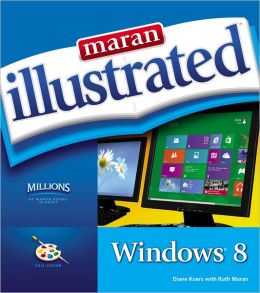
Maran Illustrated Windows 8

by Diane Koers    (Find this book)
MARAN ILLUSTRATED WINDOWS 8 is your indispensable full-color guide to the latest evolution of the Windows operating system. Windows 8 brings new flexibility, portability, and interactivity to computing, and this book shows you how to get the most out of this cutting-edge operating system. Regardless of your experience level, MARAN ILLUSTRATED WINDOWS 8 will walk you through Windows 8 operations from beginning to end, with clear, step-by-step instructions and more than 500 color photos to keep you on track and help you succeed with Windows 8. The unique Maran Illustrated treatment covers more than 100 essential topics and includes full-color, high-resolution screenshots, illustrations, helpful introductions, easy-to-understand text, and a wealth of helpful tips to take you from beginner to expert user fast. Master the latest Windows operating system, and have fun doing it, with MARAN ILLUSTRATED WINDOWS 8. -- Publisher Marketing

Tuesday, March 12, 2013

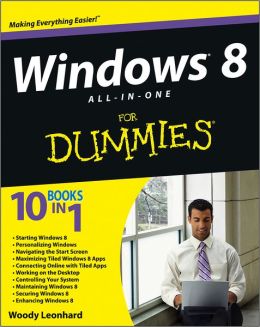
Windows 8 All-In-One for Dummies

by Woody Leonhard    (Find this book)
Ten minibooks in one great resource will get you fully up to speed on Windows 8
Promising an updated user interface, new application to today's mobile world, and increased connection to data and services that live in the cloud, Windows 8 will have new features and perks you'll want to start using right away. And that's where this bestselling guide comes in. With ten minibooks in one, it's packed with information on all aspects of the OS. Take the guesswork out of Windows 8 from day one with this all-in-one resource.Windows 8 boasts numerous exciting new features, and this ten-books-in-one reference is your one-stop guide for discovering them all! Provides top-notch guidance from trusted and well-known Windows expert and author, Woody Leonhard Covers Windows 8 inside and out, including how to customize Windows 8, Windows 8 and the Internet, security, networking, multimedia, and more.
Make your move to Windows 8 easy with "Windows 8 All-in-One For Dummies."  -- Publisher Marketing

Tuesday, March 5, 2013

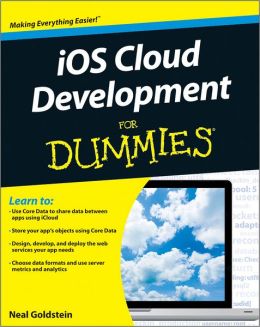
IOS Cloud Development for Dummies

by Neal Goldstein    (Find this book)
Want to create robust, data-driven, iOS cloud apps? This book makes it easier!
Apple's mobile operating system (iOS) supports iPhones, iPads, iPods and other Apple devices, and while even beginners can now develop apps to run just on these devices themselves, sometimes you want to create an app with more heft. Applications such as live weather reports or multi-player games require a lot of data to be pulled from outside--often from cloud-based Web Services, such as Google or Amazon. This book, written by application development experts Sujee Maniyam and Neal Goldstein, shows you how to weave all of this together to create robust iOS apps.
Developers will learn how to get, post, and modify data as well as how to create and deploy new, app-specific Web Services. The book includes numerous sample programs such as Xcode projects, sample server code used to create Web Services in the cloud, desktop client back-ends, server metrics, and more.Takes new and seasoned developers beyond the creation of simple client-based iOS applications to create more sophisticated, data-driven, cloud-based mobile apps. Explains how to access existing Web Services from native IOS applications and also how to create and deploy new, app-specific Web Services. Includes sample programs such as Xcode projects with complete source code, and sample server code for creating cloud-based Web Services. Offers valuable and hard-to-get information for new or veteran iOS developers, from small shops to enterprise iOS developmen.
Connecting your iOS app to the cloud just got easier, with "iOS Cloud Development For Dummies."
Note: Apple's iOS SDK tools are only accessible on Intel-powered Mac and MacBook devices. -- Publisher Marketing

Tuesday, February 26, 2013

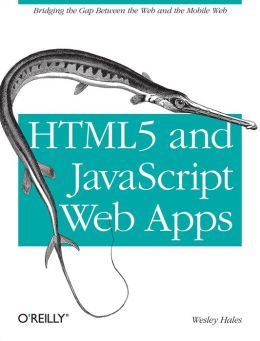
HTML5 and JavaScript Web Apps

by Wesley Hale    (Find this book)
This hands-on book shows you how to work with HTML5, JavaScript MVC frameworks, and the latest W3C specifications to build mobile and desktop web apps that are widely supported across all browsers and devices. You'll quickly master building client-side applications with a loosely coupled backed infrastructure that supports offline clients.
Learn how to incorporate web storage, web workers, geolocation, Device Orientation, and WebSockets into your application architecture, using real-world examples. If you're familiar with server-side programming and understand the basics of HTML5, this book is for you.Assemble a coherent architectural whole from HTML5's complex collection of parts. Gain a clear understanding of client-side architecture and the "mobile first" approach. Design, create, and tune eye-catching and robust mobile web apps. Explore how the top five JavaScript MVC frameworks interact with the server. Learn best practices for setting up a raw WebSocket server. Examine how sites such as Google, Twitter, and Amazon store data Use real-world methods for applying geolocation, and learn the pitfalls of various implementations. Process images and other data in the background with Web Workers -- Publisher Marketing

Tuesday, February 19, 2013

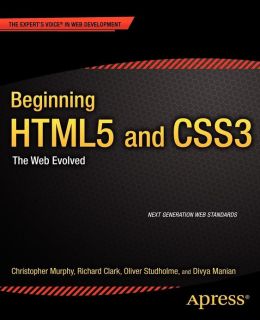
Beginning Html5 and Css3: The Web Evolved

by Christopher Murphy    (Find this book)
Beginning HTML5 and CSS3 is your introduction to the new features and elements of HTML5all the leaner, cleaner, and more efficient code you've hoped for is available now with HTML5, along with some new tools that will allow you to create more meaningful and richer content. For everyone involved in web design, this book also introduces the new structural integrity and styling flexibility of CSS 3 which means better-looking pages and smarter content in your website projects.
For all forward-looking web professionals who want to start enjoying and deploying the new HTML5 and CSS3 features right away, this book provides you with an in-depth look at the new capabilities including audio and video that are new to web standards. You'll learn about the new HTML5 structural sections, plus HTML5 and CSS3 layouts. You'll also discover why some people think HTML5 is going to be a Flash killer, when you see how to create transitions and animations with these new technologies. So get ahead in your web development through the practical, step-by-step approaches offered to you in Beginning HTML5 and CSS3. What you'll learn Cutting-edge web development techniques with HTML5 and CSS3. The new features of HTML5 and how to work with HTML5 and CSS3. The new web standards being implemented by all the major web browsers. How to work with the new HTML5 structural sections. How to create HTML5 and CSS3 layouts. How to create transitions and animations without using Flash New web typography solutions. A new vision of web development with HTML5 and CSS3. Who this book is for
This book is for web developers and anyone involved in web design who wants to embrace the new web standards and cutting-edge features of HTML5 and CSS3. With a practical, accessible approach, this book is for anyone who wants to push their websites forwards with the latest technologies. Table of Contents HTML5: Now, Not 2022 Your First Plunge Into HTML5 New Structural Elements A Richer Approach to Content Markup Rich Media Paving the Way for Web Applications CSS3Here and Now Keeping Your Markup Slim Using CSS3 Selectors A Layout for Every Occasion Improving Web Typography Putting CSS3 Properties to Work Transforms, Transitions, and Animation The Future of CSS -- Publisher Marketing

Tuesday, February 12, 2013

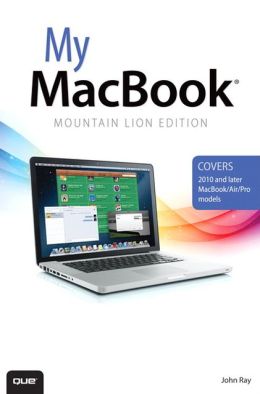
My Macbook (Mountain Lion Edition) ( My... )

by John Ray    (Find this book)
Covers 2010 and later MacBook/Air/Pro models
"Step-by-step instructions" with callouts to MacBook photos that show you exactly what to do.
"Help "when you run into MacBook or OS X Mountain Lion problems or limitations.
"Tips and Notes" to help you get the most from your MacBook.
Full-color, step-by-step tasks walk you through getting and keeping your
MacBook working just the way you want. The tasks include:
- Managing and arranging your desktop
- Staying on top of important changes with Notification Center
- Creating and navigating virtual workspaces in Mission Control
- Opening and organizing applications in Launchpad
- Accessing the Internet through wired, wireless, and cellular networks
- Joining and using iCloud services
- Communicating via email, instant messages, audio, and video
- Keeping in touch and on-time with Calendars and Contacts
- Being social with Facebook, Twitter, and Game Center
- Entertaining with music and videos
- Downloading and managing software from the App Store and other sources
- Sharing files, printers, and even scanners over your network connection
- Protecting and securing your data
- Recording video and sharing it instantly online
- Expanding your capabilities with peripheral devices
- Troubleshooting system problems  -- Publisher Marketing